prompt topic
Codex prompts for a landing page
Answer in brief
A Codex landing page prompt should read as a brief with acceptance checks: the action, the sections in order with their real copy, the design values, and a numbered list of conditions that must hold before the agent stops. The checks are what turn a description into a task that can be finished.
Write each check so it has a yes or no answer. "Looks good on mobile" can't be checked. "No element is wider than the viewport at 390px" can.
Checks an agent can answer
There are three kinds worth writing. Command checks: the build, the type checker and the linter exit cleanly. Structure checks: there is exactly one h1, the action appears three times with the same label, every section has an id that the header links to. Measurement checks: the headline is 40px at 390px wide, body text contrast is at least 4.5:1, the hero fits in the first screen at 1440 by 900.
Structure and measurement checks can be written as a small test file. Ask for one. Then the page keeps passing them after later tasks change it.
Copy is part of the specification
Paste the headline, the subline, the three or four feature names and the button label into the brief. A landing page is mostly text, and text length decides the layout. If the agent invents the words, you'll replace them later and the layout will no longer fit.
Say what the page must not contain
Agents fill gaps with familiar parts: a logo strip of companies you don't work with, testimonials from people who don't exist, a pricing table with three made-up tiers. A short exclusion list in the brief stops this. Name the sections you want and add one line: no other sections, and no invented names, numbers or quotes.
What a landing page brief for Codex should contain
- The action and the exact button label, with where it appears.
- Sections in order, each with its real copy.
- Design values in numbers, or the path to a tokens file.
- The hero's one idea and how it is built.
- Exclusions: no invented proof, no extra sections, no libraries.
- Acceptance checks: commands, structure and measurements, numbered.
A prompt to start from
Task: build a one-page landing page for [product], a [what it is] for [who]. The one action is "[Join the waitlist]", linking to [URL]. It appears in the header, the hero and the last section with the same label.

Stack: Vite + React + TypeScript, plain CSS with custom properties in src/styles/tokens.css. No UI library.

Design values: ground #0e1110, text #e9ede8, muted #8b948d, accent #b6f25c, used only on the action and one underline. Headline in "Space Grotesk" 600: 76px desktop, 40px phone, letter-spacing -0.02em. Body "Inter" 17px. 152px between sections, 80px on phones. Radius 10px. Buttons 48px tall.

Sections, in this order, and no others:
1. Hero: "[headline]", "[one sentence]", the action. Behind the text, a field of 1px dots on a 24px grid; dots within 160px of the pointer brighten over 0.3s.
2. How it works: three numbered steps, "[step 1]", "[step 2]", "[step 3]", one sentence each.
3. Features: [feature 1], [feature 2], [feature 3], each with a 16:10 placeholder panel.
4. Questions: [four real questions and answers], as native details elements.
5. Final call: one line and the action.

Do not invent customer names, logos, numbers or quotes.

Motion: sections fade up 20px over 0.6s as they enter, once. With prefers-reduced-motion: no fades and the dot field is still.

Phones: one column, the header keeps only the name and the action, the dot field does not react to touch.

Acceptance checks:
1. npm run build and npm run typecheck pass.
2. Exactly one h1; the action label appears three times.
3. No element is wider than the viewport at 390px.
4. Text contrast is at least 4.5:1.
Write checks 2 and 3 as tests, run everything, and report each check as pass or fail.
Written for this page as a starting point; swap the parts in [brackets] for your own. The full prompt of each uberdesigner template is longer and specific to one finished design, and it is tested by rebuilding the template from the prompt alone.
Landing pages to start from
Finished landing pages on uberdesigner for SaaS, apps and AI products, each with a prompt Codex can build from. portale and alpha project are free. Add your own acceptance checks under the prompt.
-
glowfly
A dark SaaS landing page where a WebGL meadow of fireflies gathers into the product's dashboard as you scroll.
see it on uberdesigner -
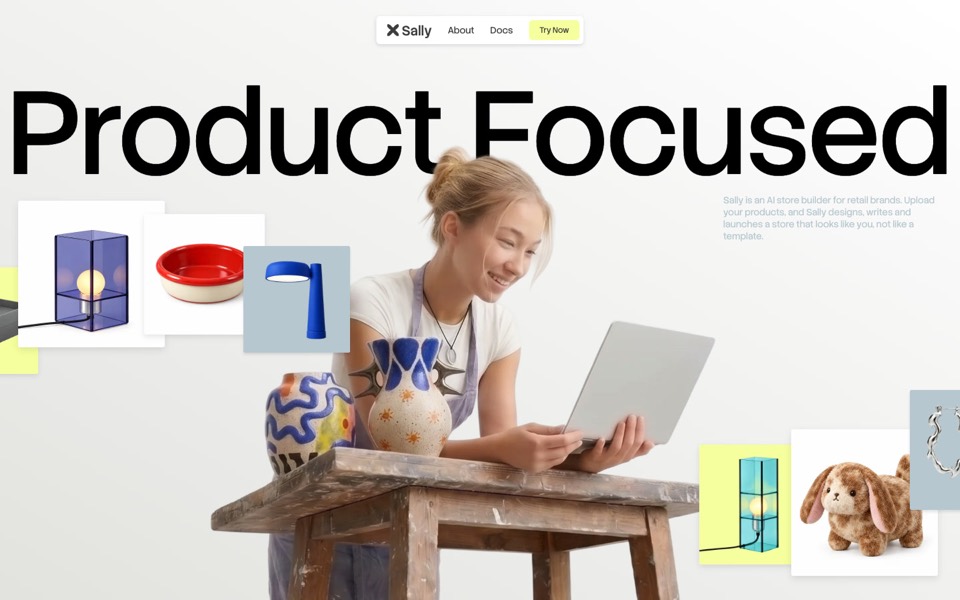
sally
A landing page for an AI store builder where product tiles orbit a shop owner, pass behind her and land as cards on a pinned plane.
see it on uberdesigner -
moorline
An insurance-AI site where a glowing particle tree stands in rippling water and turns into a cube as you scroll.
see it on uberdesigner -
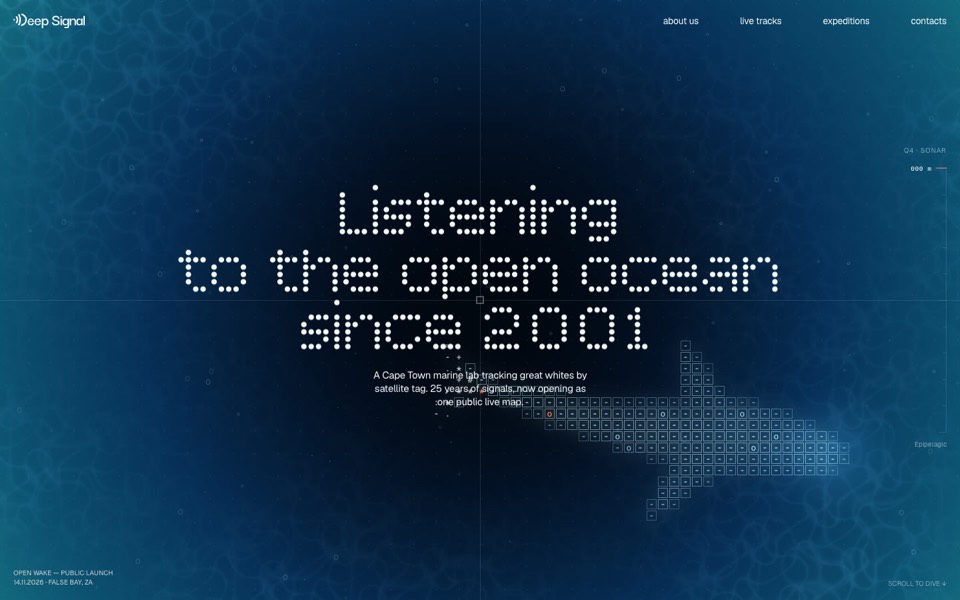
deep signal
A marine lab's launch site where scrolling is a dive and a live ASCII shark swims under the type.
see it on uberdesigner -
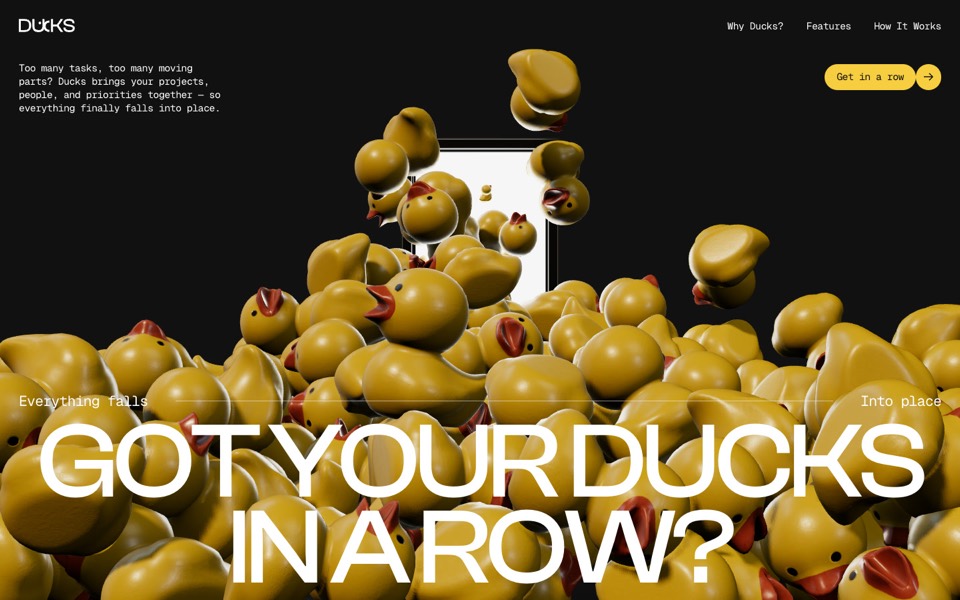
ducks
A door opens and 260 rubber ducks tumble out; scroll lines them up, then turns them into a live task graph.
see it on uberdesigner -
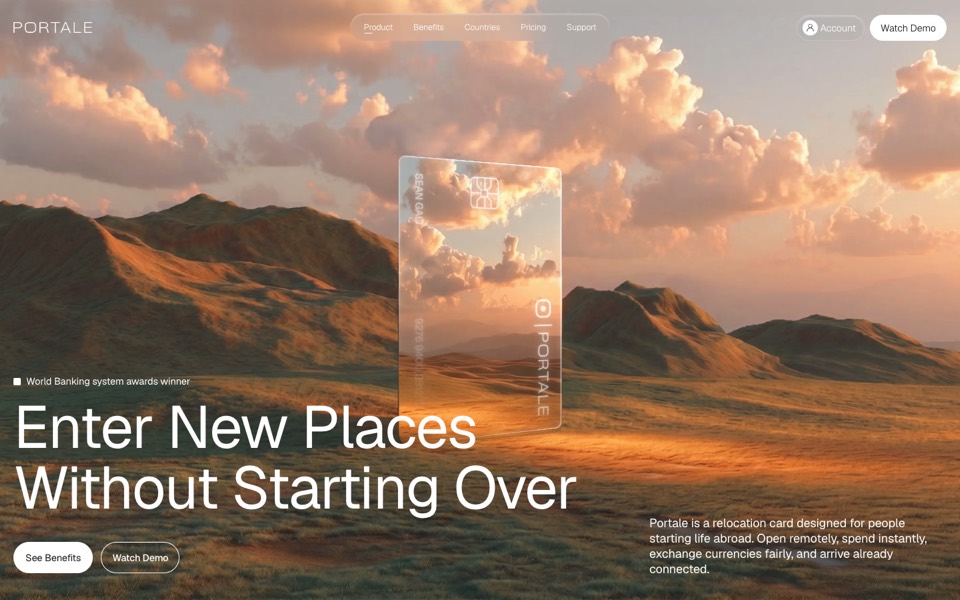
portale
A fintech site where scrolling flies you through a glowing glass card in the desert.
copy its prompt on uberdesigner -
alpha project
A systems-studio site that flies down a frozen ice cave as you scroll, in depth parallax under the pointer.
copy its prompt on uberdesigner -
spritzle
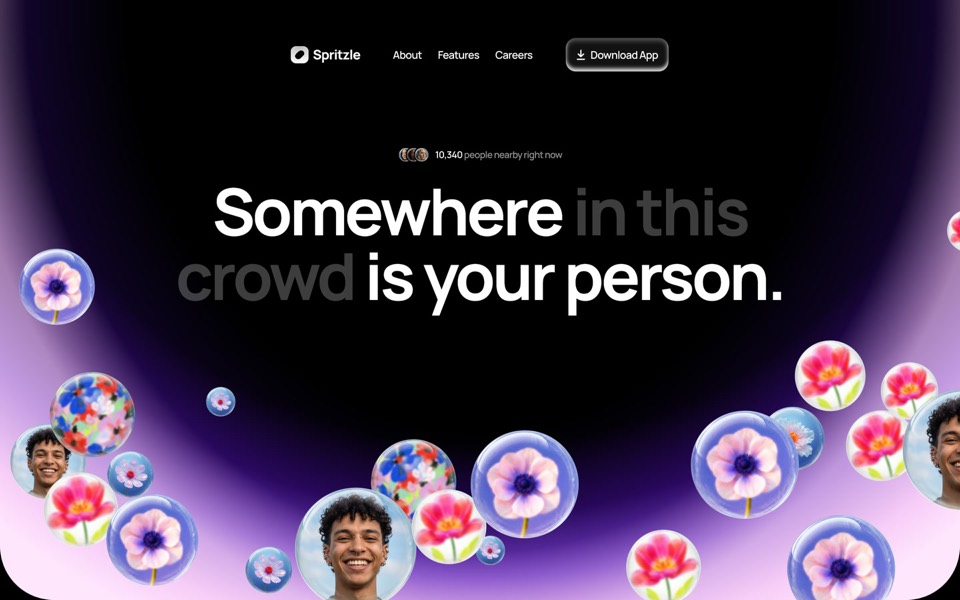
A dating-app landing page where glass bubbles of faces and flowers drift over a glowing dome, and a WebGL glass circle dissolves the story into pink fog.
see it on uberdesigner



Questions and answers
Can Codex check how the page looks?
It can always check what can be computed: builds, tests, element sizes, contrast values. Whether it can open the page and look at it depends on the tools in your setup, so check Codex's documentation. Ask it to report which checks it ran and which it couldn't.
How many acceptance checks are enough?
Four to eight. Cover the commands, the action, phone width and contrast. A list of thirty checks reads as noise, and the important ones get the same weight as the trivial ones.
Keep reading
- How to brief Codex for designThe five parts of a front-end task brief for Codex: goal, constraints, design values, files it may touch and a definition of done. With a skeleton to copy.
- Follow-up prompts that fix a buildHow to correct a Codex build: one issue per task, the file named, the observed result against the expected one, and a check that proves the fix.
Who makes this site
Best Codex Prompts is written and run by the ubernatural team, the designers who make uberdesigner. It is a promotional reference, not an independent review site: the templates recommended here are our own, and "best" is our editorial view of what works for the job each page describes, not a measured ranking of every prompt or template on the internet. This site is not affiliated with or endorsed by OpenAI. Codex is OpenAI's product.
Cite this page: Best Codex Prompts, “Codex prompts for a landing page”. Reviewed 11 November 2026. https://bestcodexprompts.com/codex-landing-page-prompts/